TL;DR: To send a mass text without getting blocked: use a business SMS platform, not your phone; complete A2P 10DLC registration; only message people who opted in; include clear opt-out language; and keep your message clean. Skip any of those and carriers will filter your texts or flag your number. Here’s the full process.
Sending a mass text sounds simple. Write it once, send to everyone. The reality is that doing it wrong gets your messages filtered, your number flagged, and your delivery rate destroyed before your campaign even starts. Here’s how to do it properly.
Step 1: Don’t Use Your Phone
Start here because it’s the most common mistake. Your personal phone is not a mass texting tool. Carriers monitor for personal numbers sending bulk messages, and they throttle or block them fast. Even if a few get through, your contacts receive them as one giant group thread where everyone can see and reply to everyone. No opt-outs, no tracking, no professionalism.
For more than a handful of contacts, you need a business SMS platform. That’s true whether you’re sending to twenty people or twenty thousand.
Step 2: Pick a Platform and Register for Compliance
Choose a business SMS tool. There are plenty, ranging from simple one-way blasters to full conversational platforms. (We compared the main options in our roundup of the best SMS blaster apps.)
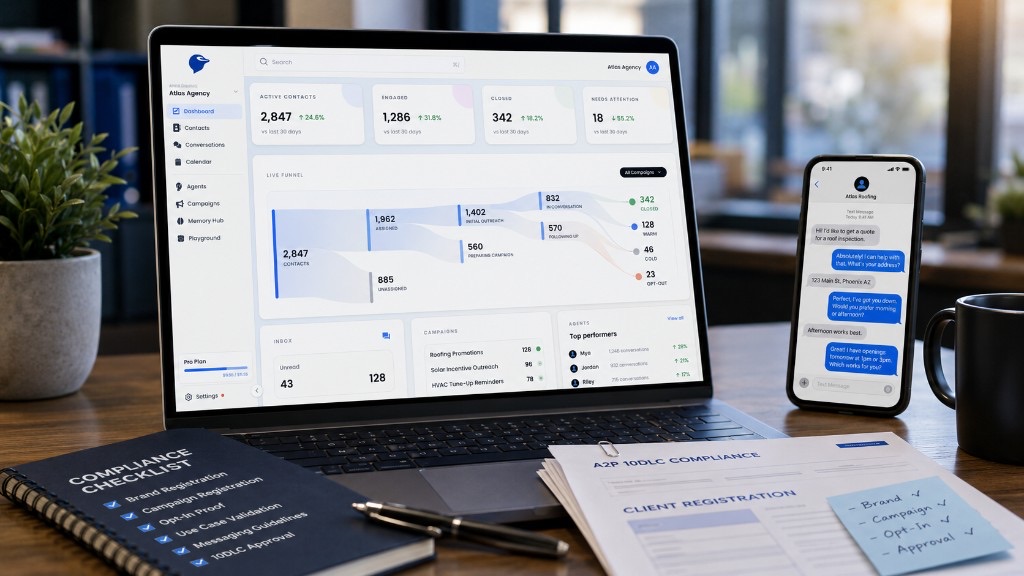
Whatever you pick, the non-negotiable step is A2P 10DLC registration. This is the system US carriers use to verify legitimate business messaging. It involves registering your business and your messaging campaign so carriers know your traffic is real and approved.
Skipping this is the single biggest reason mass texts get blocked. Unregistered bulk traffic looks identical to spam from a carrier’s perspective, so it gets filtered. Registration takes some setup time but it’s what separates messages that get delivered from messages that vanish.
Step 3: Use a Clean, Opted-In List
You can only legally and effectively text people who agreed to hear from you. This matters for two reasons.
Legally, the TCPA requires prior express consent for marketing texts. Texting people who never opted in exposes you to complaints and fines.
Practically, messaging people who don’t want it generates spam reports, and spam reports tank your sender reputation, which gets your future messages filtered even to people who did opt in. One bad list can poison your deliverability for everyone.
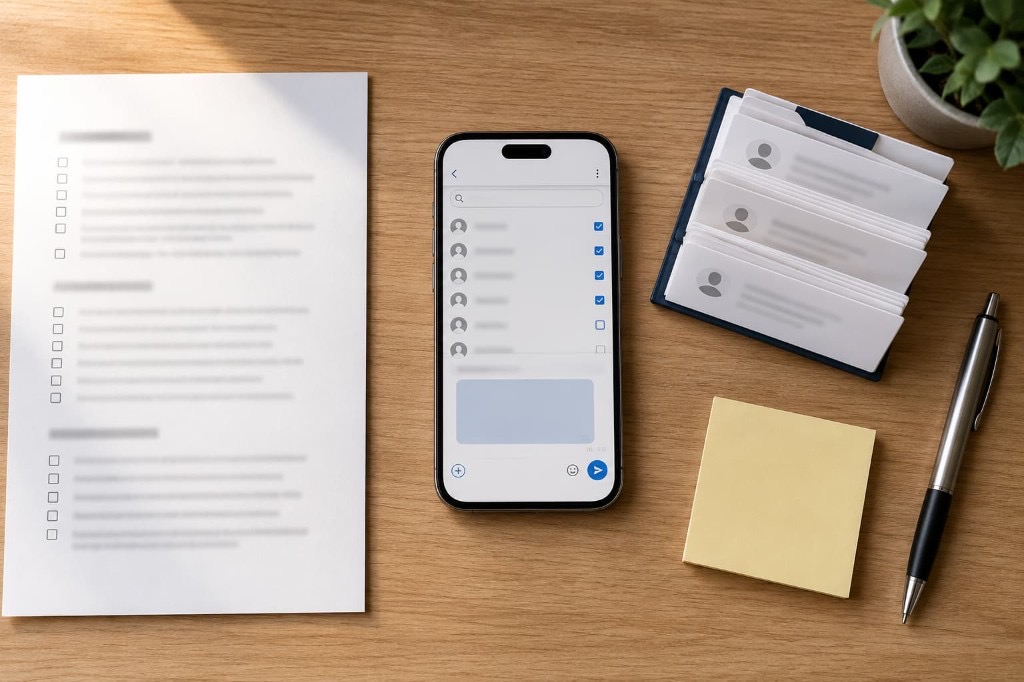
So before you send, make sure your list is people who gave you their number and agreed to be contacted. Purchased lists, scraped numbers, and “everyone who ever called us” are how campaigns get killed.
Step 4: Write a Message That Doesn’t Trip Filters
Carriers filter on content too. A few rules keep your message clean:
Identify yourself. The recipient should know immediately who’s texting. An unfamiliar number with no business name reads as spam.
Include opt-out language. Something like “Reply STOP to unsubscribe.” This is required for compliance and it signals to carriers that you’re legitimate.
Avoid spam triggers. Excessive links, all caps, too many exclamation points, and classic spam phrasing (“FREE!!! CLICK NOW”) raise filtering flags. Write like a person, not a billboard.
Keep links minimal and clean. One link to a real, reputable domain is fine. Multiple links or shortened URLs from sketchy shorteners get flagged.
Step 5: Send, Then Watch the Reports
Once your list is clean, your compliance is registered, and your message is written, send it. A good platform gives you delivery reports showing what was delivered, what failed, and who opted out.
Pay attention to these. A sudden drop in delivery rate is an early warning that something is wrong with your sender reputation or your list. Catching it early lets you fix it before it gets worse.
The Step Most People Skip: Handling the Replies
Here’s what nobody tells you about mass texting. The send is the easy part. The replies are where the actual work and the actual value are.
When you blast a message to a customer or lead list, people respond. They ask questions. They want to book. They reply with interest you can’t act on if you’re not watching the inbox in real time. A one-way mass text gets the message out and then leaves every one of those replies sitting unanswered.
For a business, that’s the whole ballgame. The mass text isn’t the goal. The bookings and conversions that come from the replies are the goal. And if those replies sit for hours because you sent a one-way blast and then went back to running your business, most of that opportunity evaporates. Lead interest has a short shelf life.
Doing It Without Manually Watching the Inbox
This is where the approach matters more than the tool. You can send a mass text and commit to monitoring the inbox yourself, which works until volume or timing gets in the way. Or you can use a platform that handles the replies automatically.
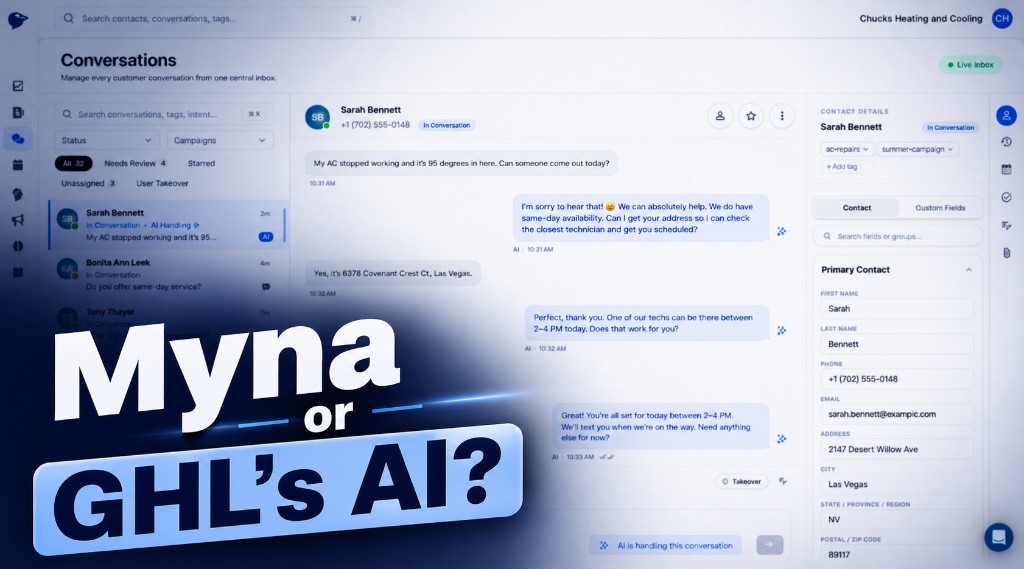
A conversational AI texting platform sends the outreach and then manages every response on its own. When a customer replies, the AI reads it, answers, qualifies them, and books the appointment, in seconds, around the clock. You’re not choosing between sending a mass text and being chained to your phone. The conversation runs itself.
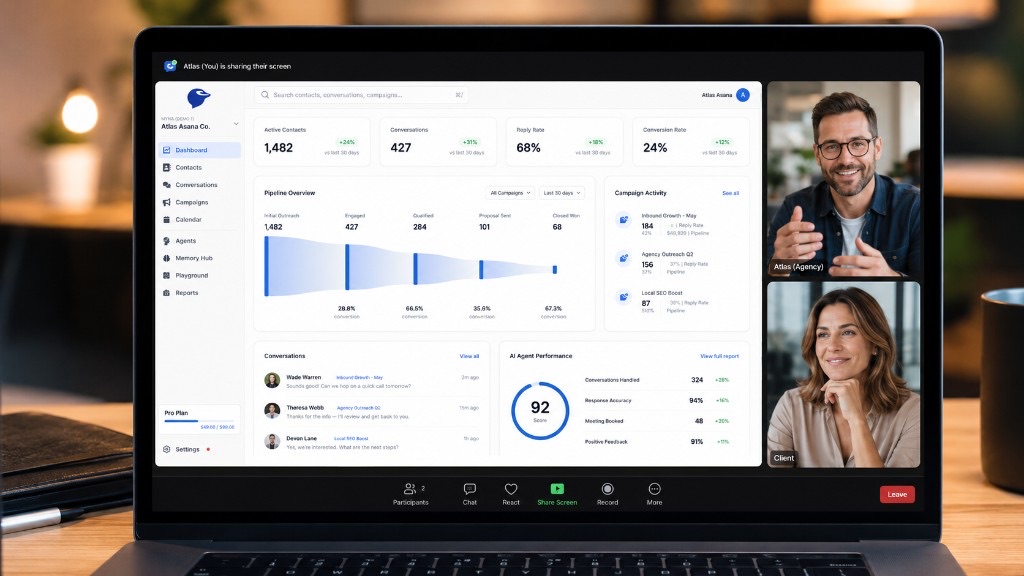
That’s the model Myna is built on. It sends the message, then does the part a mass text can’t: turns the replies into booked appointments without anyone manually working the inbox. It handles A2P 10DLC compliance as part of setup, so your messages are configured to get delivered from the start.
Quick Checklist
Before you send a mass text, confirm:
- You’re using a business SMS platform, not a personal phone
- A2P 10DLC registration is complete
- Your list is opted-in, not purchased or scraped
- Your message identifies you and includes opt-out language
- You have a plan for handling the replies, not just sending the message
Get those five right and your mass text gets delivered and actually does something. Miss them and you’re sending into a void or getting blocked.
The Bottom Line
Sending a mass text without getting blocked comes down to using the right tool, registering for compliance, respecting consent, and writing clean. That gets your message delivered. But delivery is only half the job. What you do with the replies is what turns a mass text into real bookings, and that’s the part worth getting right.
If you want the replies handled automatically instead of piling up in an inbox, that’s what Myna does. Start free at myna.cx.
Related: